Spartan Software Documentation
Documentation for Spartan Radio, RMS, Dispatch Console, SpartanCAD, and the MDC workstation.
Documentation Overview
These docs cover Spartan Radio V3 and SpartanCAD as separate product areas:
- Spartan Radio FiveM resource installation and player controls.
- RMS setup for community POCs: administrators, zones, channels, codeplugs, and tones.
- Dispatch Console operations, automated calls, patching, scanning, emergency handling, and unit actions.
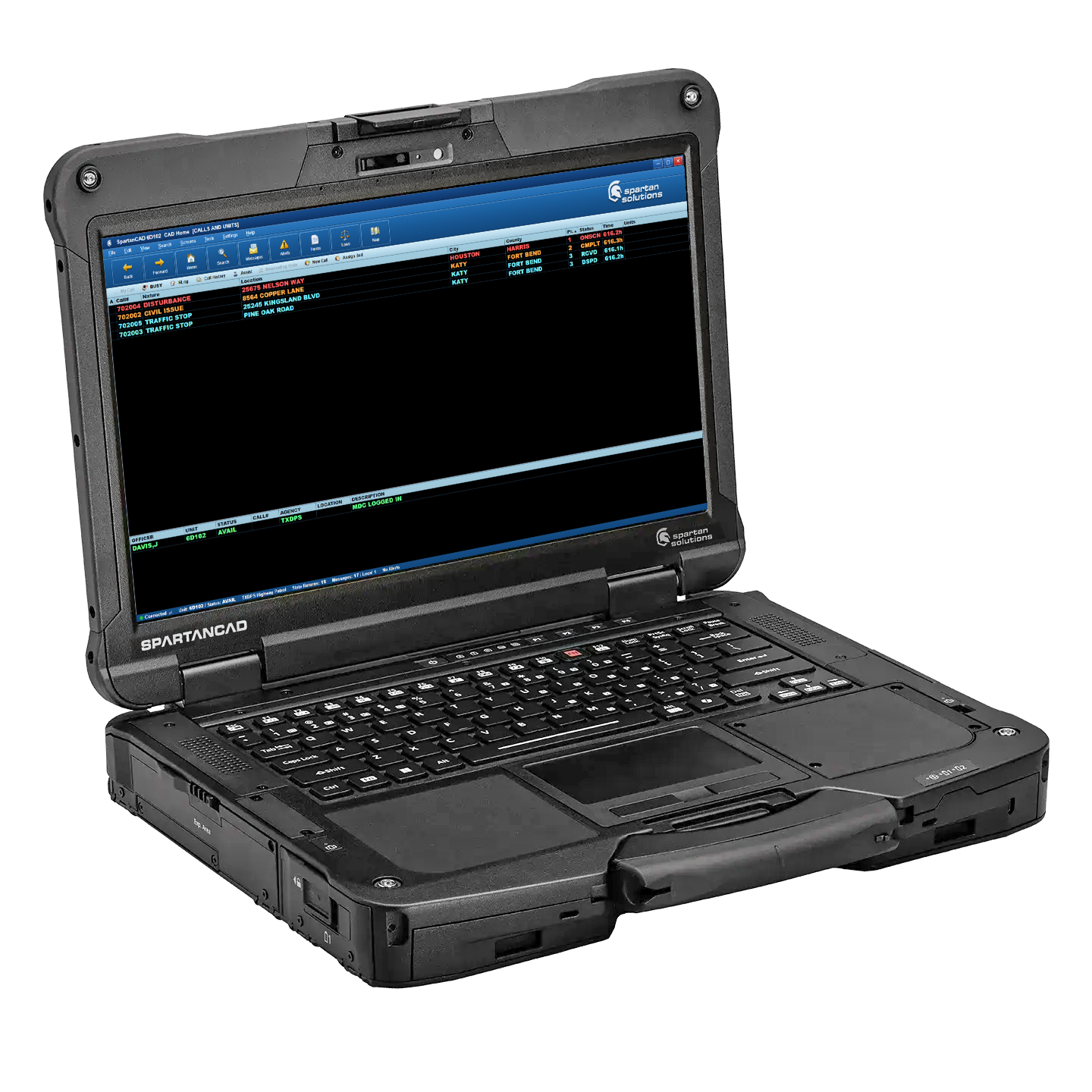
- Hosted SpartanCAD, community administration, civilian records, MDC, CAD Dispatch, and in-game vehicle screens.
- Release notes from the current changelog history.
Start Here
| Area | Page |
|---|---|
| Install the FiveM resource | Installing the FiveM Resource |
| Configure radio profiles | Community Profile Setup (RMS) |
| Use the in-game radio | In-game Radio |
| Run dispatch | Dispatch Console |
| Review radio releases | Spartan Radio Changelog |
| Start with SpartanCAD | SpartanCAD Overview |
| Configure SpartanCAD | Community Admin & Configuration |
| Use the MDC | MDC Workstation |
| Install the CAD in-game resource | In-game Resource |
| Use a vehicle CAD display | 3D CAD Screens |
| Manage CAD calls and units | CAD Dispatch |
| Review CAD releases | SpartanCAD Changelog |